Everything a song needs, set up before you play it.
Four layers, your keyboard’s sounds and ours, scenes for every part of the song, and the controls already under your hands.
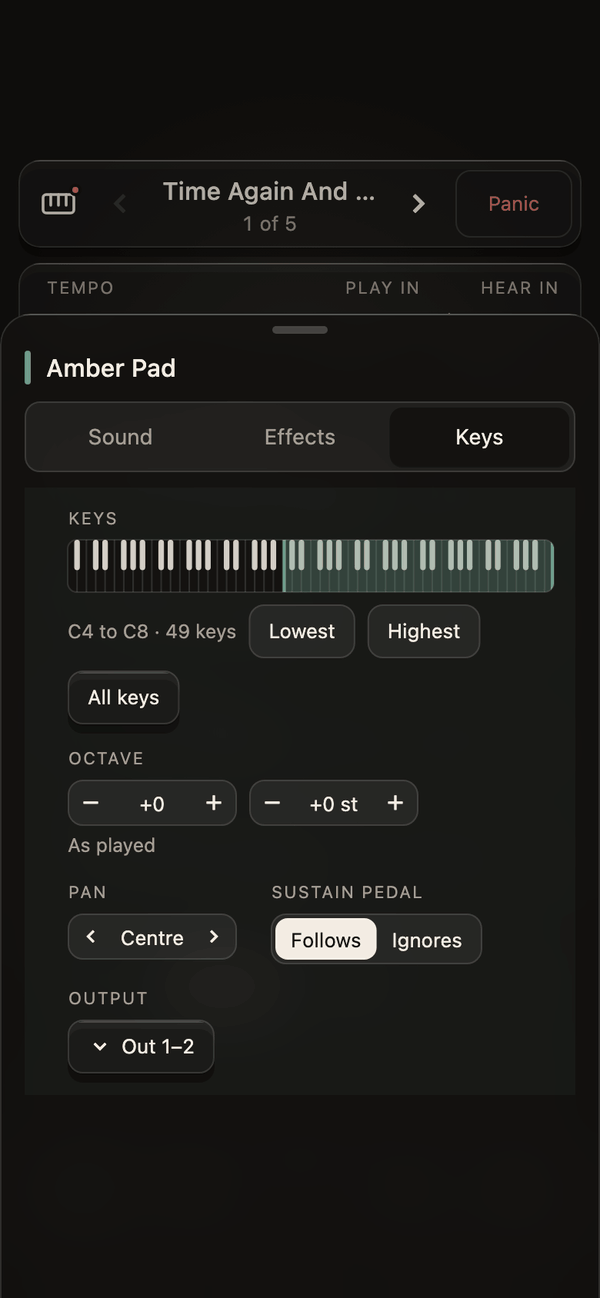
Four layers per song.
Each layer plays your keyboard’s own sound or one of ours. Set where it plays by dragging on the keys, or by playing the key you want to split at.
- Keys, octave and semitones, pan and the sustain pedal, per layer.
- Volume, mute and solo on the main screen.
- Play in E, hear in F: transpose the whole song at once.
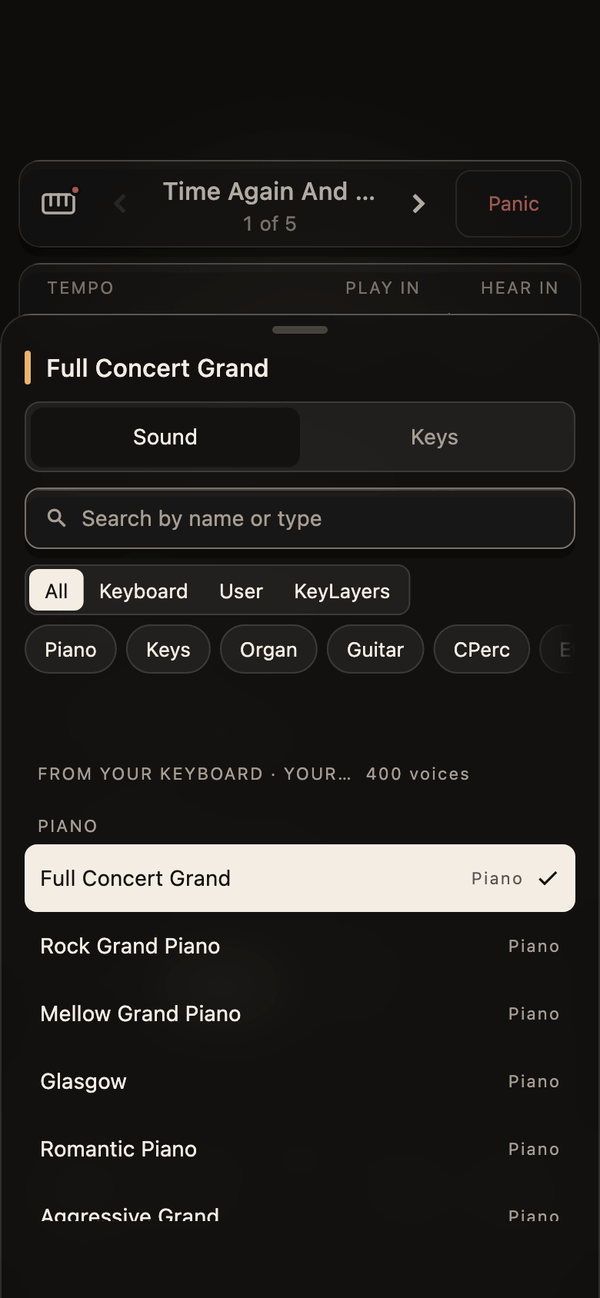
Your keyboard’s sounds, by name. Ours on top.
KeyLayers knows 62 keyboards and 89,702 of their sounds. Search for a piano by its name, filter by the keyboard’s own categories, and pick. Our sampled and synthesized sounds sit beside them, ready to layer.
- Pads, strings, keys and bass made for worship.
- Reverb, delay and shimmer per sound.
- The keyboard keeps its own keys: KeyLayers never turns off its sound.
Songs, sets and scenes.
A song holds its four layers and its scenes. A set holds the songs for the service, in order. Scenes snapshot the mix for each part: verse, chorus, bridge.
- Scenes glide over four beats at the song’s tempo, over seconds, or cut.
- Move a fader in a scene and save it into the scene.
- The setlist lifts the song playing and marks the next. Hold and drag to reorder.
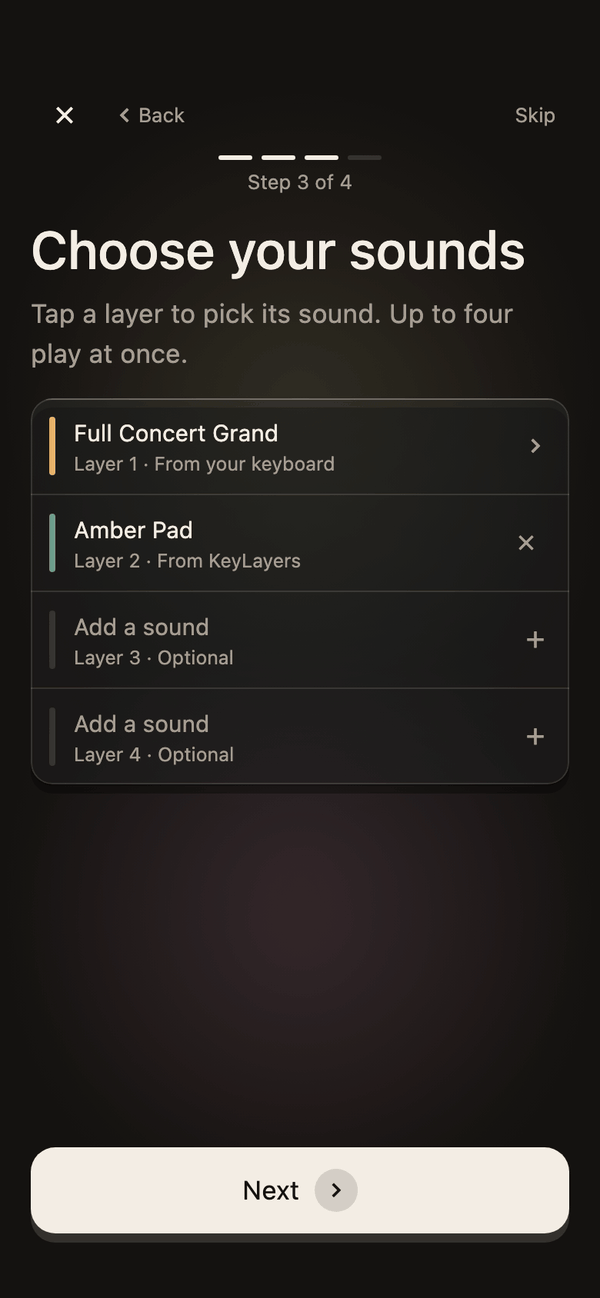
- A new song in four steps: its name, its key, its sounds, its scenes.
Every change, from your hands.
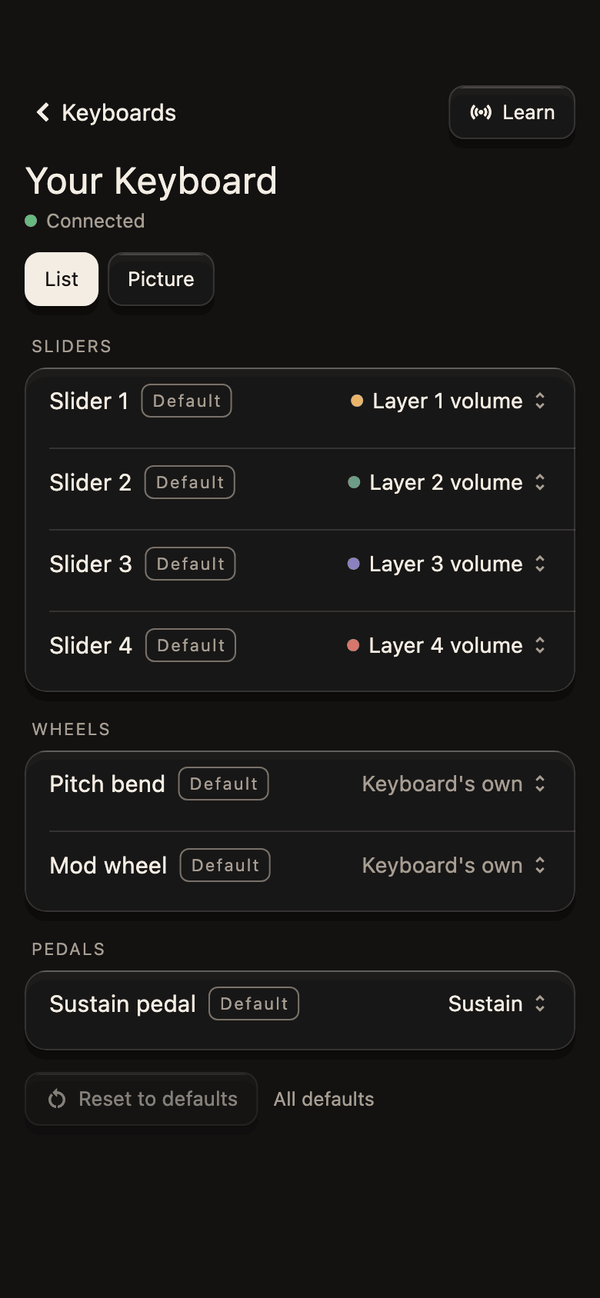
Anything you change while playing can sit on a physical control: a slider, a knob, a button, a footswitch or a pedal. Press Learn, move the control, and it’s mapped.
- Your keyboard’s sliders become the layers’ faders on keyboards that can do it, and move with them.
- Any other MIDI controller works too, beside the keyboard.
- The song’s name on your keyboard’s screen, where we can write to it.
A pad in any key.
Twelve keys on the Play screen. Tap one to start the pad or change its key; the power button stops it. Level, brightness and shimmer sit right under the keys.
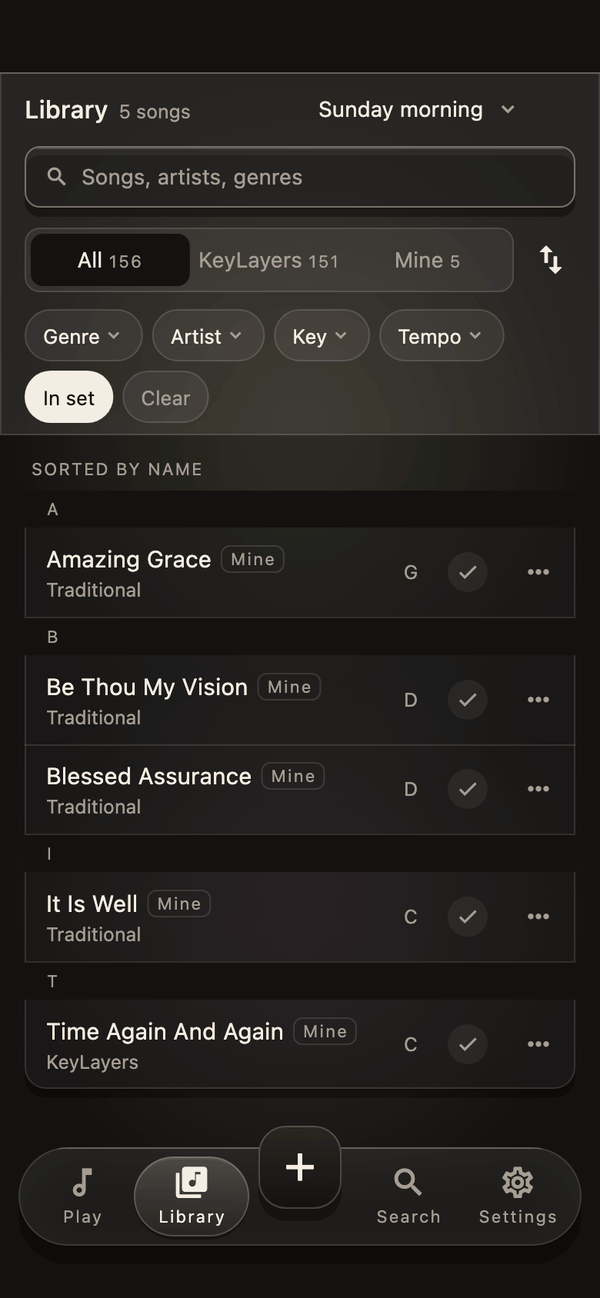
A library of songs, set up for you.
Worship, gospel and hymns first, then every genre, each song with its key and tempo and layers picked for your keyboard. Your first set is built from the music you tell us you play. Missing a song? Ask for it.
- Worship
- Gospel
- African gospel
- Hymns
- Choral
- Soul
- Neo-soul
- Jazz
- Blues
- Afrobeats
- Amapiano
- Highlife
- Reggae
- Soca
- Latin pop
- Bossa nova
- K-pop
- Bollywood
- Classical
- Musical theatre
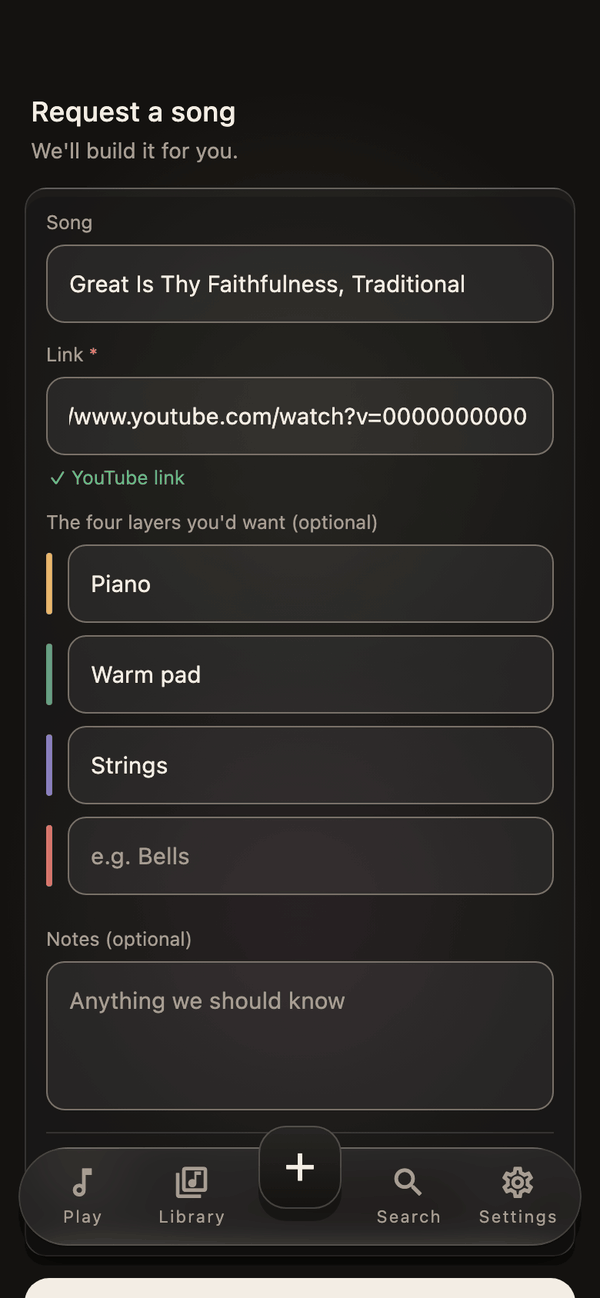
Ask for a song. We set it up.
Name the song, add a link so we can hear it, and say what you’d want on its four layers. We read every request and build the setups players ask for.
- From + in the app, in under a minute.
- Offline? It saves on your device and sends when you’re back online.
- Your name never goes to the person who builds it.
Every device. Offline every time.
iPhone, iPad, Android and Mac. Sign in once with Apple, Google or a link we email you; after that nothing you do on stage needs the internet. Your songs and sets come back on every device you sign in on, up to three.
- Light and dark, following your device.
- Your library backed up to your account.
- Larger text and reduced motion respected.
Built for the day itself.
Pull the cable mid-song and plug it back: KeyLayers picks up where it was. Every change saves as you make it, with backups kept. When something goes wrong, the app says what happened and which button fixes it.
- An audio interface is never mistaken for your keyboard.
- Panic stops every note at once.
- A problem in one part of the screen leaves the rest playing.
Coming.
What we are building next, said plainly so nobody buys on a promise.
- Your keyboard files, on any keyboard. Bring the setups saved on your keyboard into KeyLayers and play them on another keyboard, even another maker’s.
- Your own keyboard sounds in the list. The sounds you made on your keyboard, read in by name.
- Your own plugins, inside KeyLayers. The Audio Unit instruments and effects you already own, played as layers on iPhone, iPad and Mac.
- From your DAW session to the stage. The sounds you made in your session, played live from your phone.
- Share a set with your team. One link, and everyone’s ready for Sunday.
- Windows. After the first release.