From the cable to the first note.
No MIDI settings, no channels, no bank numbers. Four things, the first time. After that, open it and play.
-
Plug in.
One cable from your phone, tablet or Mac to your keyboard’s USB port. No hub, no laptop in between. A keyboard with only 5-pin MIDI connects through a USB MIDI interface.
Use a cable that carries data, not only charge.
USBOne cable, straight to the keyboard
5-pin MIDIThrough a USB MIDI interface
-
KeyLayers finds your keyboard.
It recognises the keyboard on its own and loads what it knows about it: its sounds by name, its sliders, its screen. Not found? Tap Look again. A keyboard we don’t know yet still plays our sounds.
-
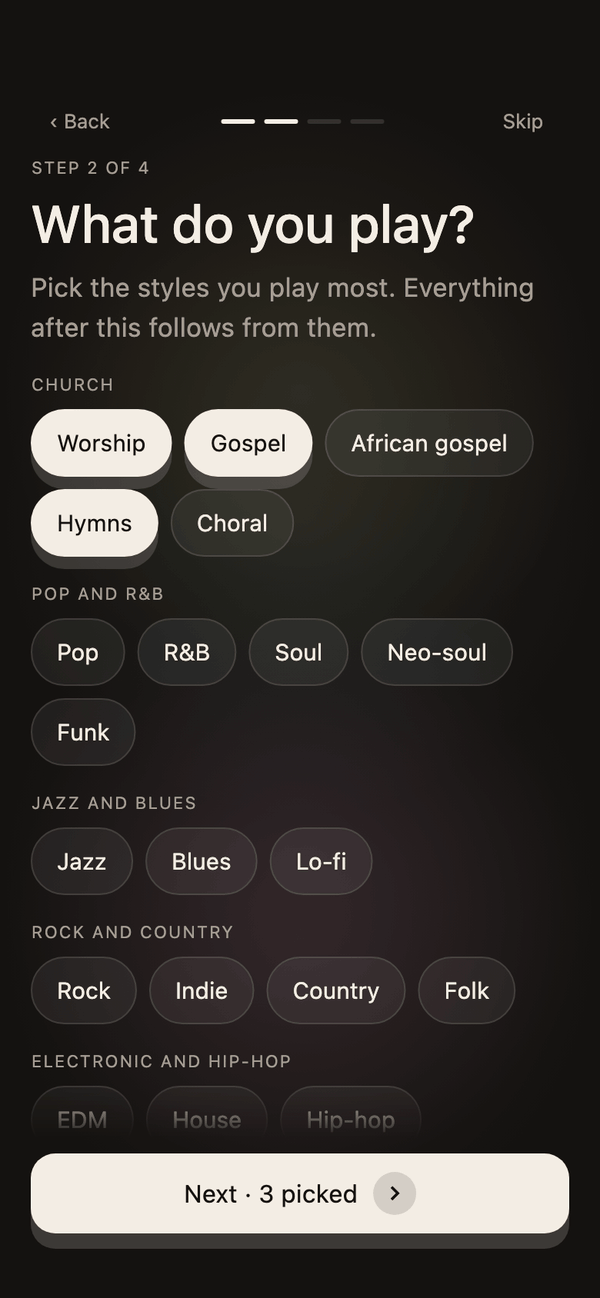
Tell it what you play.
Pick the music you play and the sounds you love. KeyLayers builds your first set from it, with each song’s layers matched to the sounds on your keyboard.
-
Play.
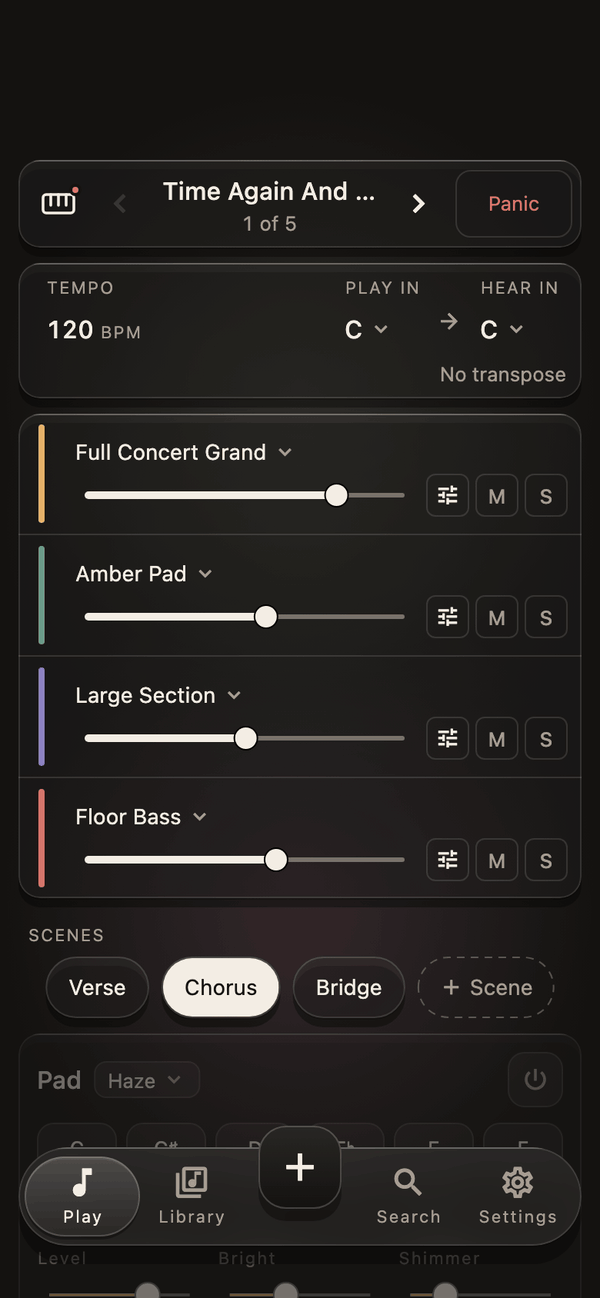
Your set opens on Play. Change songs with a tap or a footswitch, change scenes with the song, move the layers with your keyboard’s sliders. The screen is for getting ready; your hands stay on the keys.
Check your keyboard.
Any keyboard with USB MIDI works. Here is what changes when we know it by name.