What’s new
KeyLayers is in private beta, tested on real keyboards ahead of its first release. Every release’s new features, improvements and bug fixes, and a post every week, newest first.
-
What shipped
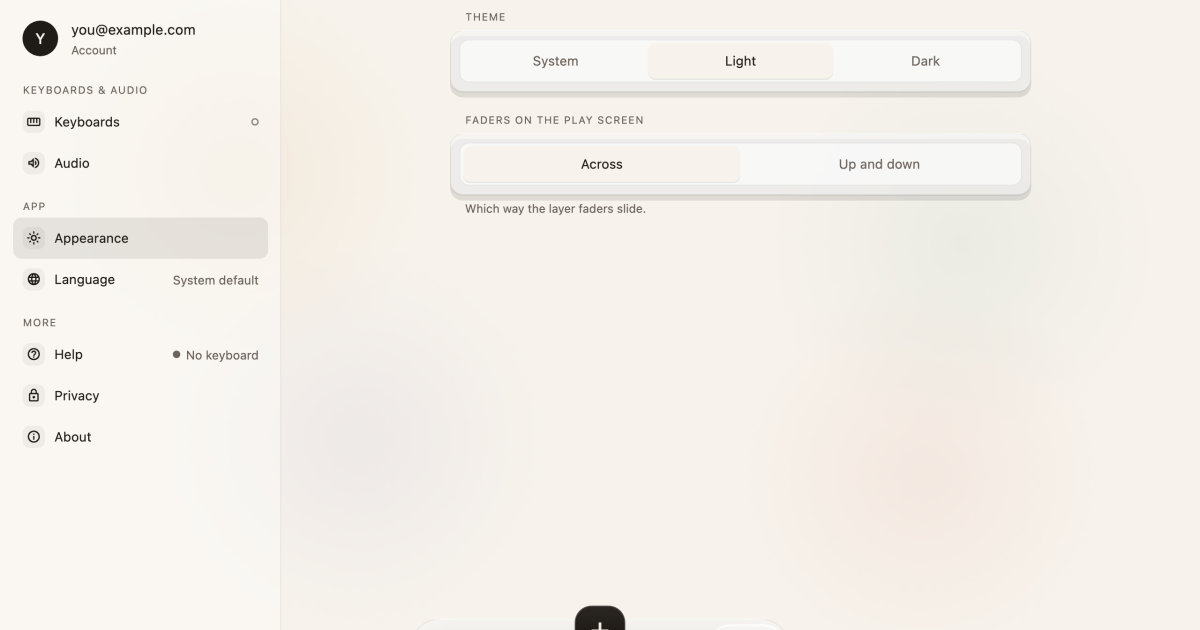
What's new in KeyLayers: a calmer Settings and Library
A shorter Settings screen, a Library that names your keyboard, and a banner on Play when Support has replied. What KeyLayers players will notice this week.
-
How-to
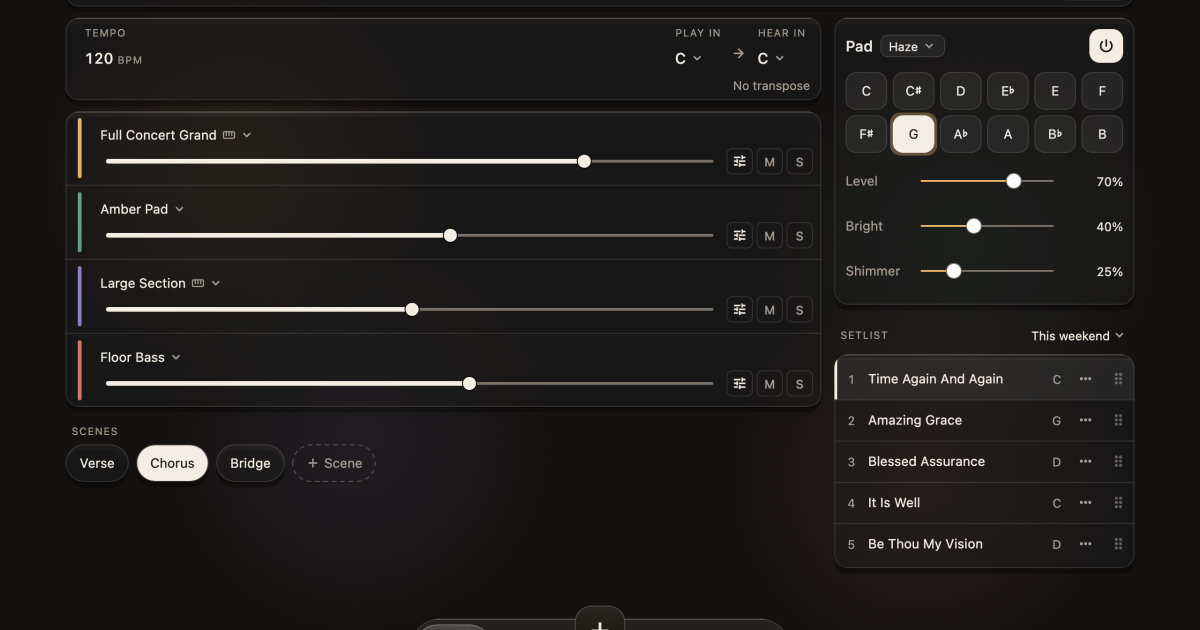
KeyLayers on your Roland V-STAGE: cable to first song
Plug in your V-STAGE, pick its own tones by name, lay a pad under them and play your first song with KeyLayers. Step by step.
-
How-to
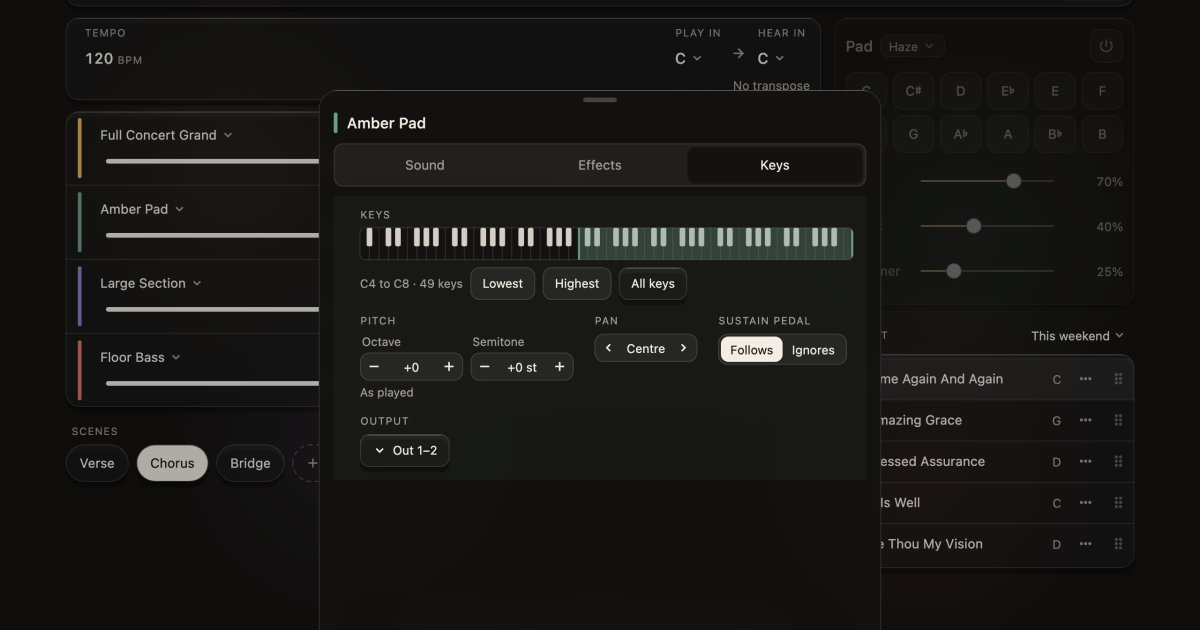
Layer a pad under your Nord Stage 4 piano
Pick your Stage 4's own programs by name, lay a sound we recorded and tuned under them, and move from verse to chorus without touching the panel.
-
How-to
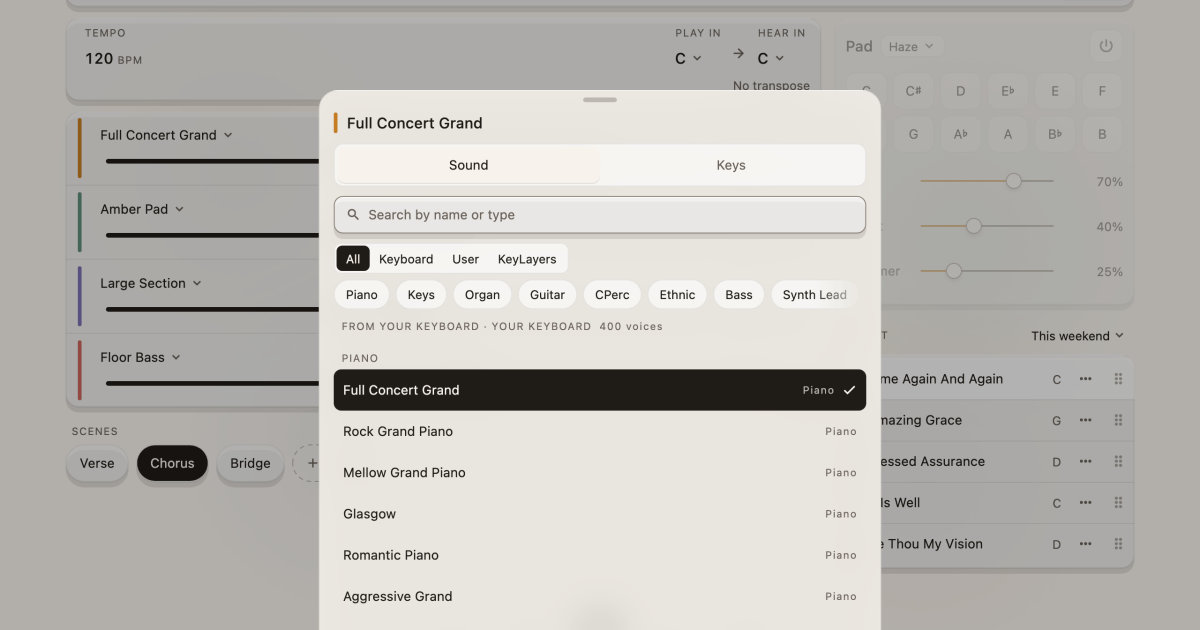
Find and layer sounds on your Nord Stage 4
Stop scrolling through slots on the panel. Find any program on your Stage 4 by name, lay one of our pads under it and save it as a scene.
-
What shipped
What shipped this week: sounds that say why
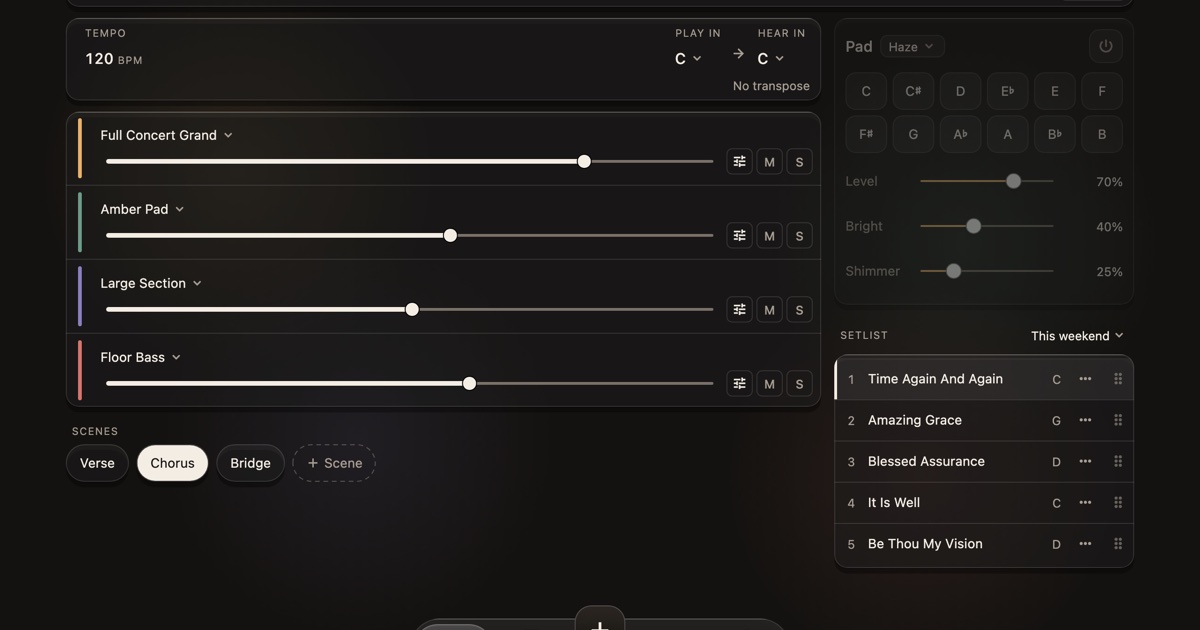
A sound that cannot play now says why and offers the fix, layers stop at two octaves, notices you can tell apart, and cancelled requests give a reason.
-
Beta 5
Your own sound libraries, and a new Settings
New
- Bring your own sound libraries: import SoundFont (.sf2) and SFZ files you own in Settings, Your sounds. They stay on this device.
- A new Settings: a grouped list on phones, and a sidebar with the page beside it on iPad and Mac.
- Choose an output for every layer.
- Your requests lists every song you asked for, with a card when one is ready.
- Song requests come with a subscription: ready within 7 days, or in 2 days with Priority.
Improved
- Layouts hold together at the largest text sizes.
- Menus and the key grid are easier to tap on phones.
- When you’re offline, Your requests has a Try again button.
- A cleaner look for the sign-in email.
Fixed
- The first note of a pad no longer pops.
- A full disk no longer stops your keyboard being handed back as it was when you quit.
- One player’s requests could show to the next person who signed in on the same phone.
- Security improvements.
-
Beta 4
Steadier sound, steadier sign-in, and our sounds on Android
New
- KeyLayers sounds play on Android, straight from your keyboard.
- Your keyboard’s sliders and sustain pedal work from the first note, and you can give them other jobs in Settings, Controls.
- The sounds you saved on your keyboard yourself are listed in the sound picker, under User.
Improved
- Every button goes faint while it works, so a double press only counts once.
- Pads retuned: Crystal is in tune, Breath is soft and breathy, Open plays at the right octave, and every pad sits at the same level.
- The next song in your set loads ahead, so its first notes are never silent.
Fixed
- Panic now clears reverb and echo tails, and stops a bass note left ringing.
- Unplugging the keyboard mid-note releases every held note and the pedal.
- Keyboards that played every note twice now play it once.
- A keyboard left quiet after quitting KeyLayers is handed back as it was found.
- A Wi-Fi blip no longer signs you out, and signing in never spins forever.
- Security improvements.
-
Beta 3
Sign in from any device
New
- Sign in from any device: the email shows which device asked, and one tap lets it in.
- One account on up to three devices. Sign in on a fourth and the one used least recently is signed out, with nothing deleted.
- Your songs and sets are backed up to your account and come back on every device.
Improved
- On iPhone, KeyLayers sounds play with the silent switch on and the screen locked.
- A phone call no longer stops your sounds for good, and pulling out headphones stops the sound instead of playing through the speaker.
Fixed
- Security improvements.
-
Beta 2
A new layout on every device
New
- Play, Library, a new song, Search and Settings, always at hand in one bar.
- The Library lists every song with its artist, genre and key, with filters that stay in view.
- A new song in four short steps.
Improved
- Request a song you need from inside the app, and see it saved even before it is sent.
-
Beta 1
Changes that keep up with you
New
- A sound picked on the keyboard itself comes into KeyLayers as it is.
- Switches for what the sustain pedal and the wheel reach on each layer.
Improved
- Only what moved is sent to the keyboard, so every change lands at once.
- One solo at a time, shown in yellow.
- No Save button: every change is kept as you make it.
Fixed
- Audio interfaces are never mistaken for your keyboard.