What shipped this week: sounds that say why
A sound that cannot play now says why and offers the fix, layers stop at two octaves, notices you can tell apart, and cancelled requests give a reason.
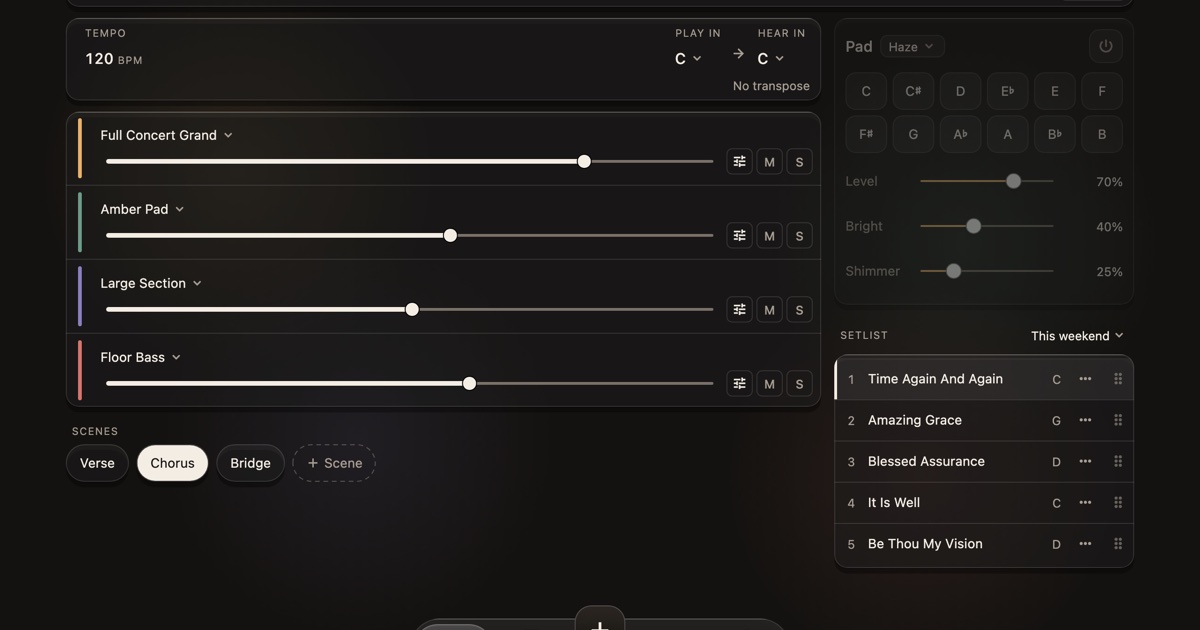
KeyLayers is in private beta, and the players testing it on real keyboards set the list for this week. Most of it is about the app telling you what it is doing, so a silent layer or a cancelled request never leaves you guessing. Everything here is in the next beta build. If you are new, Features has the whole app in one page.
A sound that can’t play says why
One of our own pads stayed silent on a tester’s Mac, and nothing on screen said why. The sound needed a sign-in that had quietly lapsed, so the app waited, and the player waited with it.
Now every place a sound appears tells you when it cannot play yet, and gives you the button that fixes it:
- Sign in when the sound needs your account on this device.
- A short line saying it is getting the sound ready, while it does.
- Try again when the sound could not be opened or could not load.
You see it on the pad, under the layer’s name, in the sound picker and in Search. If you play a note on a layer whose sound is not ready, KeyLayers says so once, rather than every time you press a key. The fix behind it was a sign-in that a new build could not read; the app now treats that as signed out and asks you to sign in again, once, instead of waiting in silence.
Two octaves either way
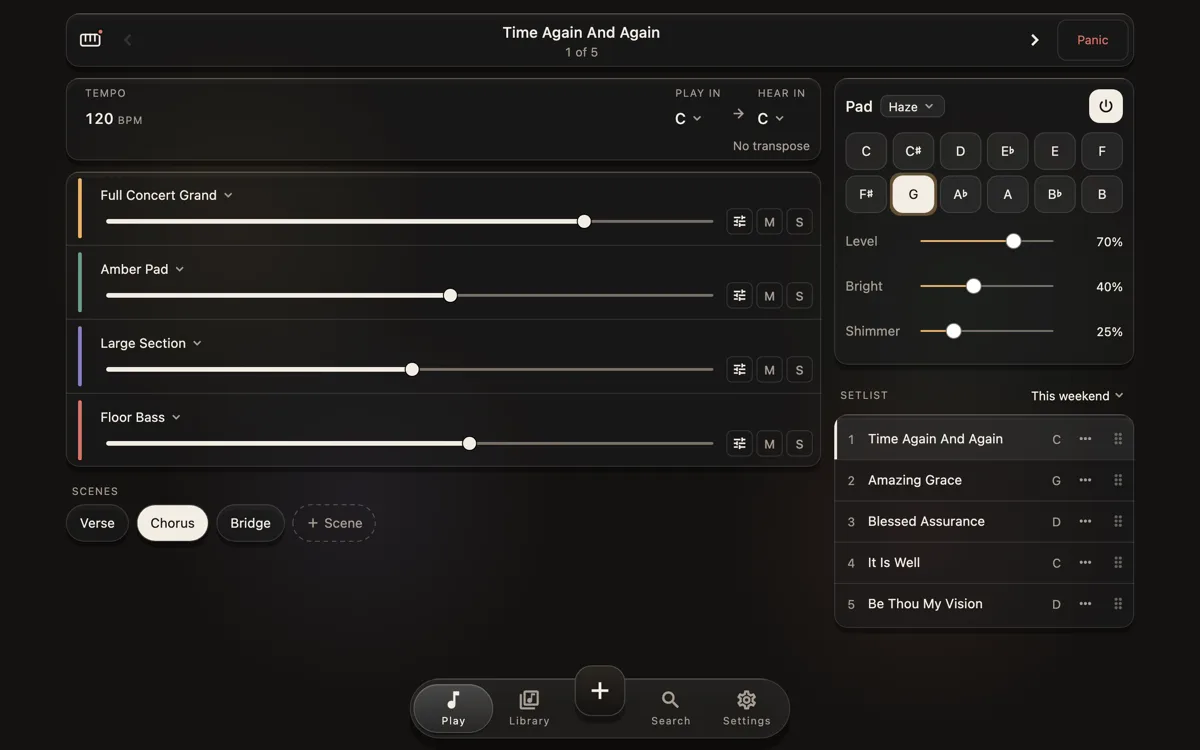
Each layer’s Octave control now stops at two octaves up or down, and the semitones at 24 either way, on every layer. A keyboard’s own note shift goes no further than that, so a layer that plays your keyboard’s sounds could never have reached past it anyway. A song saved with a bigger shift opens inside the new range, so nothing breaks. How it works shows where the Octave control lives in a layer.
Notices you can tell apart
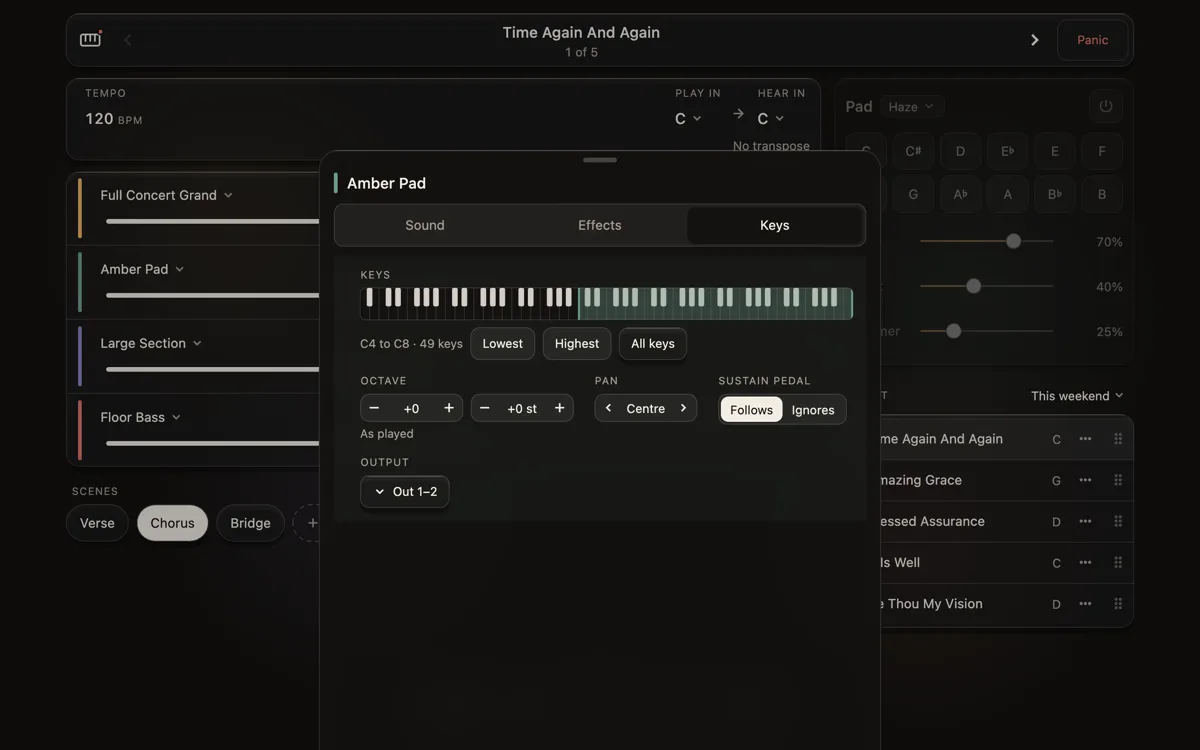
Every card that tells you something now carries its tone in its colour: blue to let you know, amber to warn you, red when something needs fixing. Before, they blended into the screen and were easy to miss in a dark room.
The card that spots two layers playing the same sound got simpler too. When your keyboard’s own sound is playing under KeyLayers, it now asks for one thing only: turn the keyboard’s volume down to hear only KeyLayers. When two layers double each other, one tap mutes the extra layer in every scene of the song.
A cancelled song request says why
Song requests come with a subscription, and now and then one cannot be made: we cannot get the rights, the song is already in the app under another name, or the link you sent will not open. Until now a cancelled request showed a bare Cancelled pill. Now the line under the song reads "Cancelled:" followed by the reason, in Your requests and in Settings, and it is there offline too, from the last time the app checked.
A guided test for our beta testers
Our testers' builds now carry a Guided test in Settings. It walks through the app one step at a time: the layers, the faders, the pad, the sound picker and your keyboard’s own controls. It listens to what KeyLayers plays and checks it on its own, and only asks you about the things it cannot hear or see. The card never sits over the part of the screen it is asking about, and every answer comes straight back to us with the step it belongs to.
It is a tool for the beta, so it is not in the version that goes to the App Store and Google Play.
Smaller fixes
- Picking three sounds in a row from an open layer used to keep only the first; each one now lands, in order.
- Moving Low cut or High cut while a note rings no longer clicks, and no longer cuts off the reverb tail behind it.
- Typing an email address with a slip in the domain, at sign-in or on the waitlist, now asks "Did you mean" with the fix one tap away. It never stops you sending what you typed.
What is next
We are back at the keyboards next week, working through the layers and controls of the keyboards we know by name. Follow along with the feed below, and the next post will be a how-to for one keyboard.